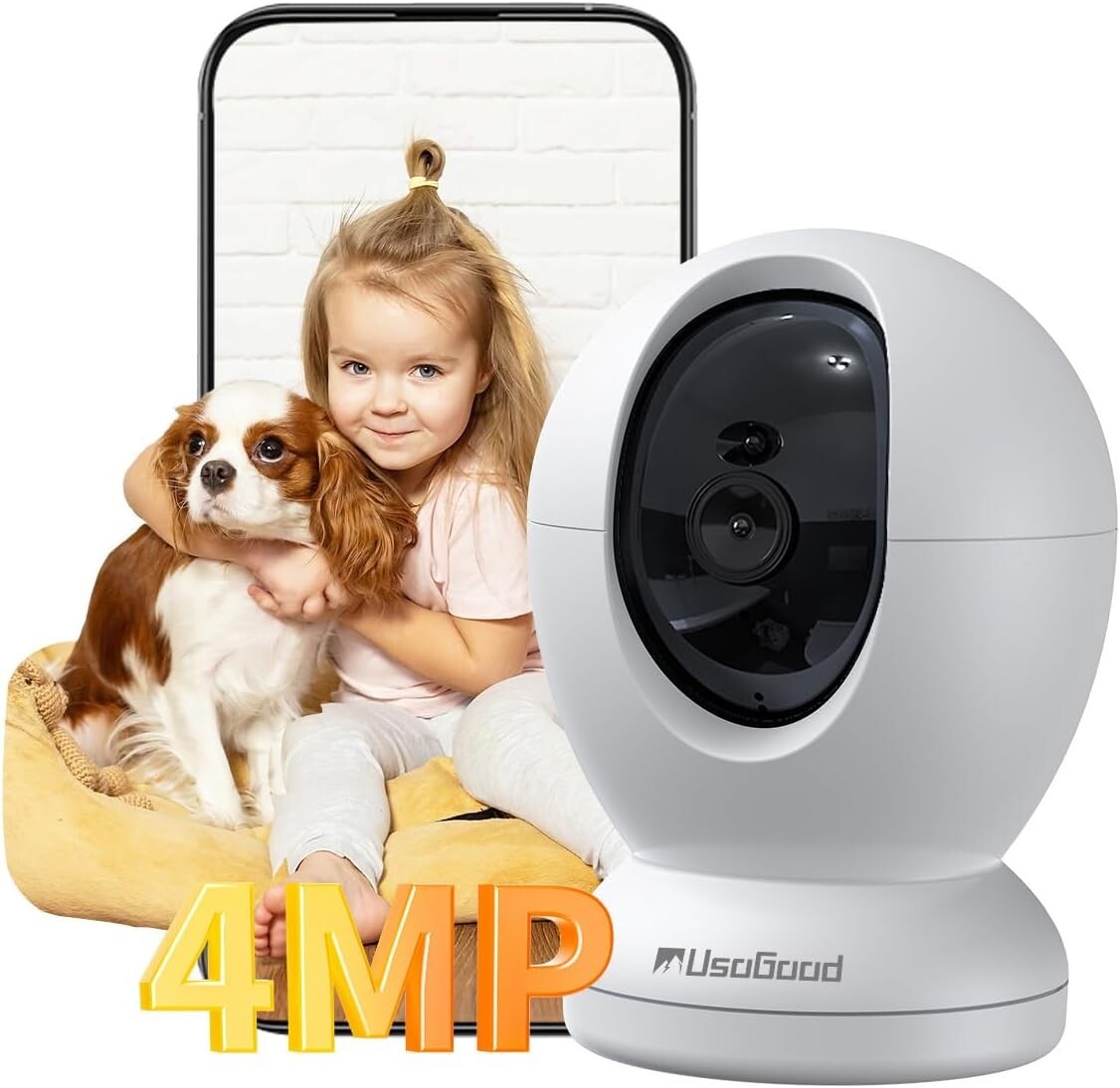

usogood Pet Camera Indoor 4MP/2K, 5Ghz/2.4Ghz WiFi Indoor Security Camera,360°
$ 11.88
Description
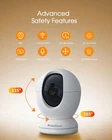
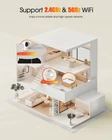
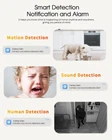
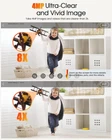
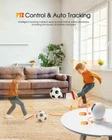
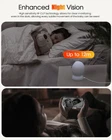
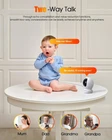
Product Description About this item 5Ghz & 2.4Ghz WiFi Connection: Usogood Pet camera indoor works on both 2.4GHz and 5GHz bands to provide stronger signal and faster WiFi connection. Usogood indoor security camera - Your ideal choice for baby/pet/parent/home monitoring 4MP Resolution & 360° Coverage: With 4MP resolution and 355° pan & 115° tilt, You can remotely rotate Pet camera with phone app Canny Cam to check the real-time situation of your baby/pet, and see every corner of your room Motion Tracking & Detection: Keep an eye on your home when you're away. With AI recognition, Usogood indoor security camera can differentiate between humans and other objects, and auto-tracking the movement send you instant notifications Detection Alarm: If you are away from home, turn on the detection alarm. When motion is detected, the indoor camera will sound an alarm to ward off uninvited guests and send you an instant notification of what's happening in your home in real-time Starlight Night Vision: Always stay in sight no matter day or night. With a High sensitivity IR-CUT technology, the Usogood Pet camera indoor with phone app can display crystal clear images of your pet up to 12m even in complete darkness Remotely Viewing: Stay connected to your home with pet camera D45. Whether you're at work or on vacation, access live footage and enjoy peace of mind with high-quality video streaming, motion alerts, and two-way audio from your smartphone effortlessly Two-way Talk: With a built-in microphone and speaker, you can instant talk with your baby/pet/parents from anywhere. Baby/pet camera indoor with phone app, a great helper to take care of your loved ones Does this Indoor security camera support 2.4Ghz WiFi and 5Ghz WiFi? Yes. This Indoor security camera supports both 2.4Ghz WiFi and 5Ghz WiFi connections. If you use a 5Ghz WiFi connection, please keep your camera and router in the same room. Is this Indoor security camera wired or battery powered? This Indoor security camera is wired and needs to be plugged in to work. Why the screen of the Indoor Security Camera is upside down? Maybe you flip the Indoor Security Camera up on the ceiling, please turn on ‘Flip the Screen’ in the ‘Image Settings’ of the settings. Why the Indoor Camera can't record video to my memory Card? Maybe your Memory Card isn't identified by the Camera, please change your Memory card to 8-64GB, and insert the Memory card when the camera is turned off. Does the camera support multiple accounts to view at the same time? Yes. Firstly, you can click "Device Sharing" in your camera settings to generate a sharing QR code; Then invites your family and friends to register and scans this QR code through "Select Device Type-Camera Type" on the Add Device page.