

Stylus Pens for Touch Screens, Universal Fine Point Stylus for iPad, iPhone, ...
$ 15.63
Description
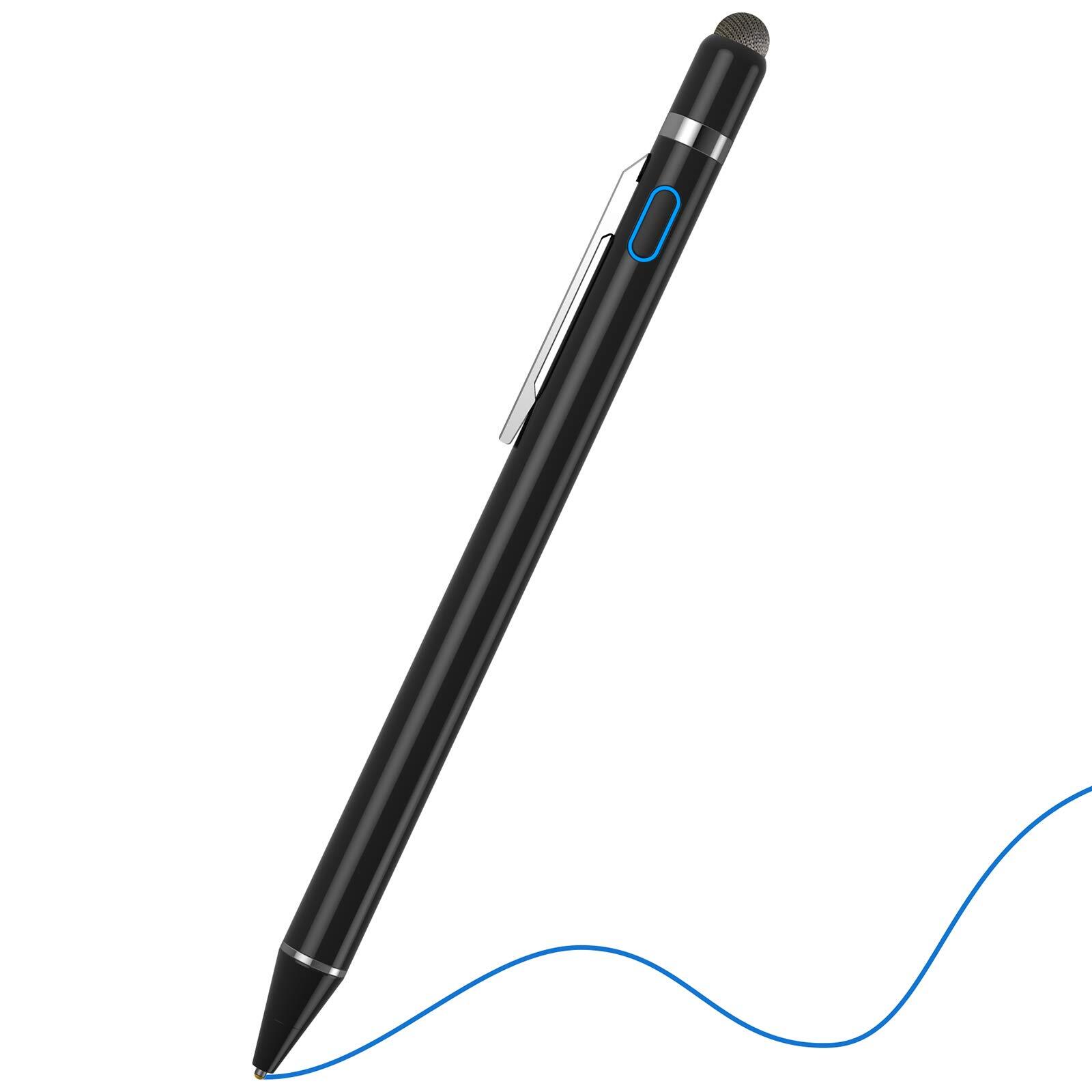
🔥 High Sensitive Stylus Pen for All Touch Screens, 2-in-1 Newest 1.5mm Fine Tip and Magnetism Cover Cap Design, Best Alternative to Apple Pencil Stylus Pen for iPad Handwriting & Drawing Gift on Touch Screen. ➤ Great Compatibility& Applicability: It’s suitable for Android & iOS Devices, as precise and smooth as using a real pencil. 💓 Apple iPad, iPad 2/3/4, iPad mini 4, iPad 9.7, iPad 10.5, iPad 12.9, Apple iPod Touch, iPod touch 1G/2G/3G/4G/5G, Samsung Galaxy Tab, Tab S, Nexus 7, Sony Xperia etc. ★ PRODUCT SPECIFICATION ★ Length: 145mm(5.71") Pen Tube Diameter: 8.9mm(0.35") Fiber Tip Diameter: 1.5mm(0.06") Weight: 16g Color: Black Material: Aluminum Alloy Battery: Lithium Polymer Battery 140mAh Charging Specification: 5V/0.1A Charging Cable:Micro USB Cable (Included) Charging time: 80-100 Minutes Working time: 30 Hrs Smart Power-Saving: 30 Minutes Automatic Shutdown Standby Time: 365 Days 👉 ATTENTION TIPS IN USE: ❶ The stylus pens does NOT support "Palm Rejection". NO pressure or tilt sensitivity. So please don't touch the screen with your hands while using it. ❷ This ipad stylus pen has NO Bluetooth function, you don't need to make a Bluetooth connection. Just press the button on top to turn it on and it’s ready to go. ❸ The toughened film will result in bad conductivity. ❹ When you using this stylus pencil for iPad, please turn off the "Only Draw with Apple Pencil "option. ❺ All lines from this pen are with the same thickness. ✦ WHAT YOU CAN GET ✦ -1 x Black Stylus Pen -1 x Micro USB Rechargeable Cable -1 x Removable Magnetic Cap with Mesh Tip -1 x User Manual 【EXCELLENT 2-IN-1 DESIGN】This black stylus for touch screens with button design, easy for any operation. Slim and light, bring you a real pen feeling. Smooth touch, stylish and professional. * If your or was ever used with Apple Pencil through Bluetooth connection which prevents any other stylus pen from working with the touch screen, please forget the Apple Pencil on the Bluetooth and turn off the Bluetooth 【WIDELY 】Our stylus is universally used on most capacitive touch screen devices, including Apple iPad 8th/5th Generation, iPad , iPad Air 2, iPad Mini 4, iPhone, Android, and other most popular and cellphones. NOTE: The pen stylus is not with the Microsoft Windows System 【HIGH SENSITIVE & PRECISE】This fine tip stylus with 1.5 mm accurate copper fine point tip end. It ensures more accurate and sensitive working performance and superior control against the screens. No need to replace the pencil tip like the apple pen. The magnetic mesh end is an ideal backup for power off using. It's recommended to use the film to better protect the screen of your electronic devices 【EASY TO USE & LONG STANDBY】You can use this iPad stylus without a Bluetooth connection. Just unpack the packaging, turn on the digital pen, and begin creating. With USB charge port and built-in battery provides 30 hours of active use after 80-100 minutes of full charging. Multi-charging ways within the wall charger, power bank, and computer. With the intelligent power-saving function, 30 minutes of automatic power off for safety 【WARM TIPS & SATISFACTORY SERVICE】Please keep your hand not in touch with the screen when you using the stylus pen for iPad. The stylus pencil does not support palm rejection. You will get 100% money-back in 30 days and 1 Year for this drawing stylus. If you have any questions or advice, our team will provide you a prompt reply within 24 hours 【TROUBLESHOOTING】If the pen is not sensitive or does not work, please refer to the following solutions: 1、Make sure the pen has enough power, directly press the side button to turn it on. 2、If the words/letters that you type are too small, they will skip or disappear. 3、Inferior screen protective film or tempered film leads to poor conductivity and affects the feel of the pen. 4、This stylus Pen does NOT support "Palm Rejection". Please don't touch the screen with your hands while using it. 5、If the stylus cannot be used on your iPad, please modify the settings of your iPad as follows ↓ Settings>Apple Pencil>Turn off Apple Pencil / or Settings>Notes>Turn off "Draw only with Apple Pencil"