



Printer Ink Cartridge For 273XL Epson XP620 XP820 XP810 XP610 XP600 XP800 XP520
$ 12.65
Description
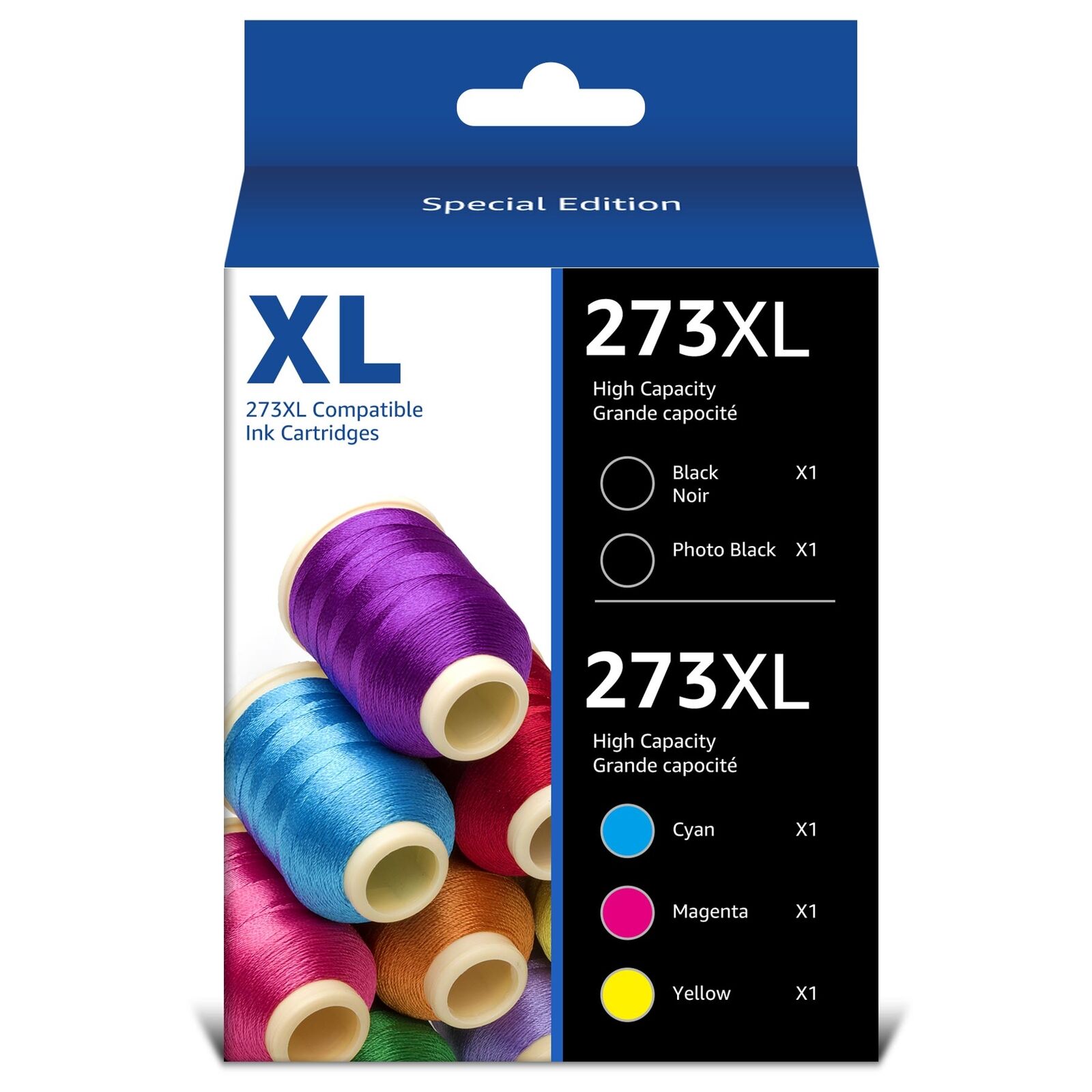
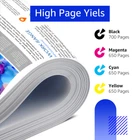
5 PACK Ink Cartridge for Epson 273XL T273XL 1. Product: Ink Cartridge 2. Item condition: Seller refurbished 3. Compatible Brand: For Epson 4. Package Include : 1x Black / 1x Cyan / 1x Yellow / 1x Magenta / 1x Photo Black 5. Page Yield: 700 pages per Black 273XL, 650 pages per Color 273XL at 5% coverage of A4 paper (XL version) 6. High capacity and excellent performance. Excellent print quality for lively, color-fast texts and graphics Instruction Steps: Step 1: Tear off the yellow label Step 2: Insert the cartridge into corresponding printer slot Step 3: Tips: 1. Don't remove the transparent film from the ink outlet 2. Don't touch the chip Advantages: 273XL ink cartridges for epson printer is fast-drying ink and Brilliant prints on both plain and glossy paper, resists fading and smudging 1. Please make the cartridge upside down, wait for 2 minutes, remove the orange protective clips carefully, and install the cartridge into printer. 2.The computer would appear Non-Genuine, please click Yes continuously, then the printer can go on to print. 3. If cartridge not recognized by printer, remove the cartridge carefully, gently wipe the contact points on the printer with a moist, lint free, soft cloth. Then re-install. 4. If line or blurry happens, Pls run a print cartridge cleaning and re-alignment function.