
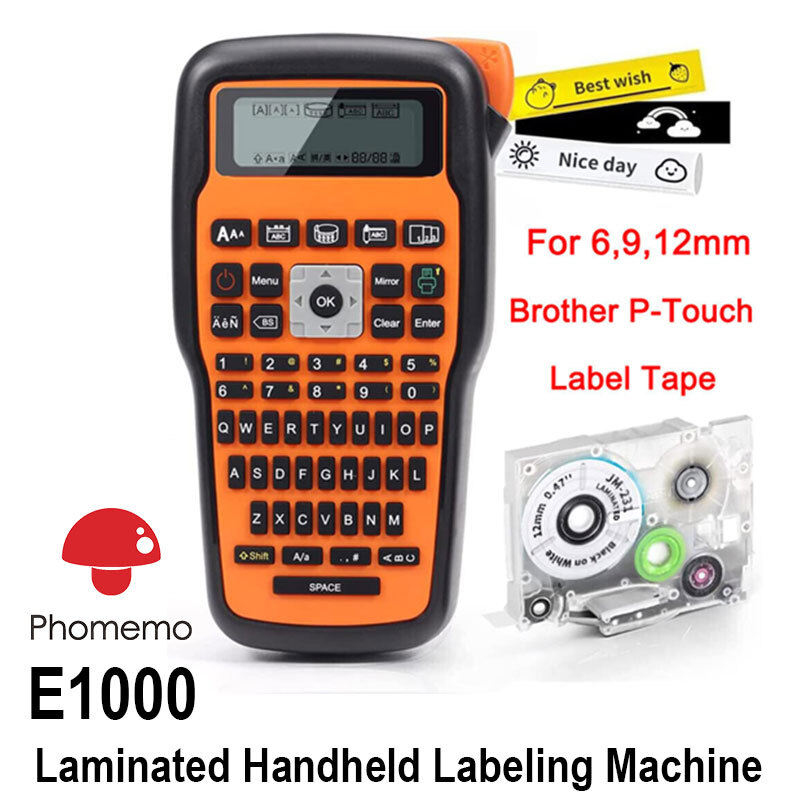

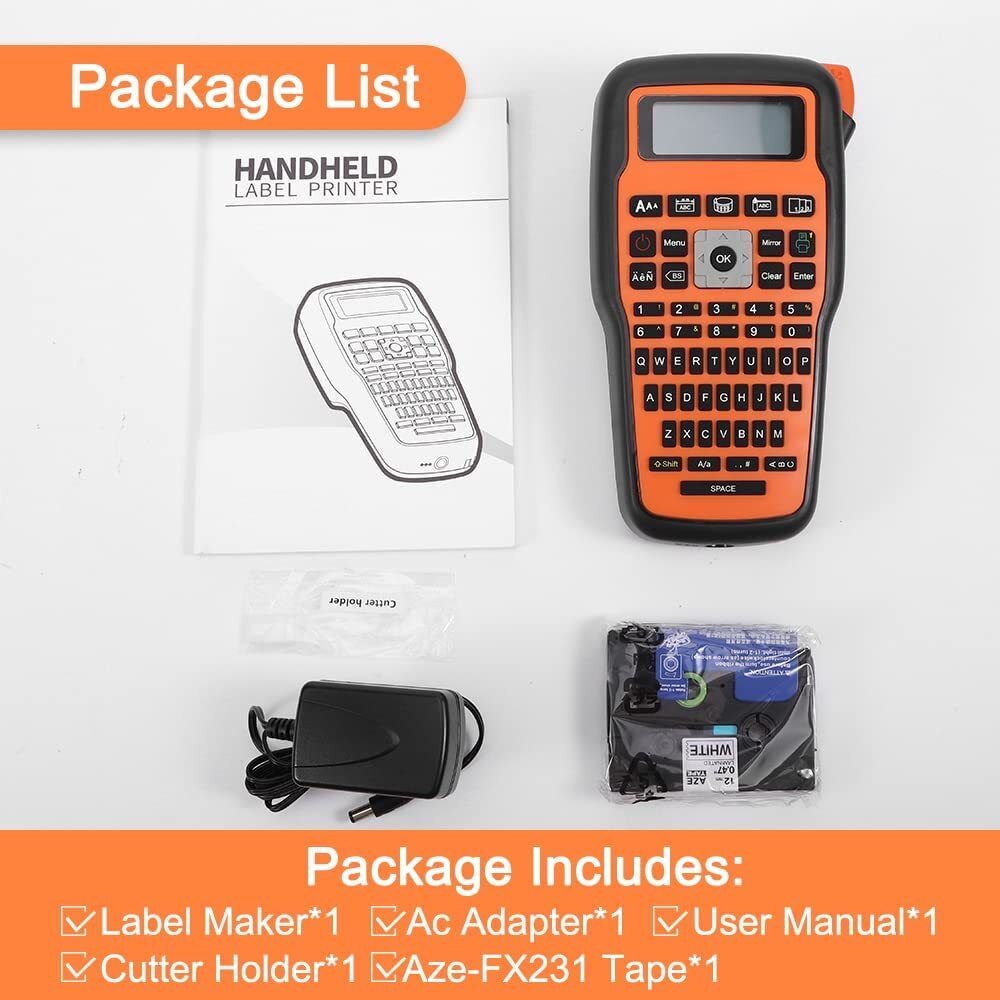

Portable E1000 Label Maker Machine with P-Touch TZe-231 Tape
$ 23.76
Description
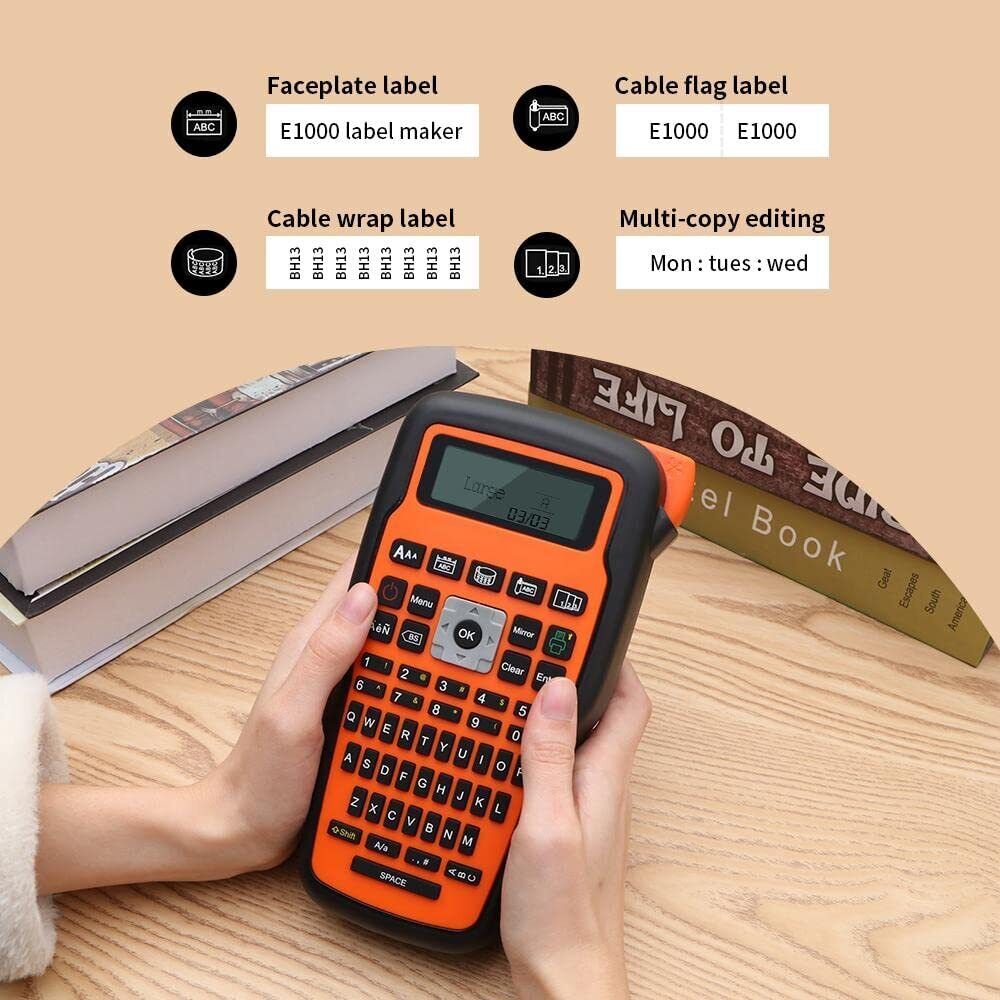
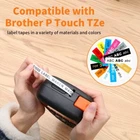
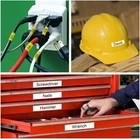
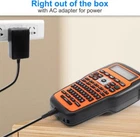
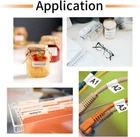
Product Description Print clearly and Manual cut Turn on the “cutting" of the menu function, and the screen will prompt you to cut each time you finish printing, so that you can keep track of the printing status of the label at any time. Two power supply modes This E1000 label printer Powered by AC Adapter (included) or 6AAA Batteries (not included) , meet the requirement for indoor or outdoor. Efficient and Save Tape Multi-copy editing printing design of the machine, and " shift + print " to meet your requirement for the different labels or identical labels printing. Widely Application Note: 1.In order to avoid the situation that the labeling machine cannot be turned on, AC adapter and AAA batteries cannot be used at the same time. Please pay attention to the installation direction of the positive and negative poles of the battery. The wrong installation will also cause the labeler to fail to turn on. In some areas, the label machine cannot be turned on by using an AC adapter, which may be due to low voltage. You can try to use 6AAA battery to test whether it can be turned on normally. 2. To prevent the label tape from jamming, Please make sure the extend some end of tape (about 2 to 3 cm) to the outlet of labeller before printing. Do not press the cutter during printing, the label maker will prompt you to cut after each print if you choose "Cutting-ON" in Setting. Using Tips: 1.In order to avoid the situation that the labeling machine cannot be turned on, AC adapter and AAA batteries cannot be used at the same time. Please pay attention to the installation direction of the positive and negative poles of the battery. The wrong installation will also cause the labeler to fail to turn on. In some areas, the label machine cannot be turned on by using an AC adapter, which may be due to low voltage. You can try to use 6AAA battery to test whether it can be turned on normally. 2. To prevent the label tape from jamming, Please make sure the extend some end of tape (about 2 to 3 cm) to the outlet of labeller before printing. Do not press the cutter during printing, the label maker will prompt you to cut after each print if you choose "Cutting-ON" in Setting.
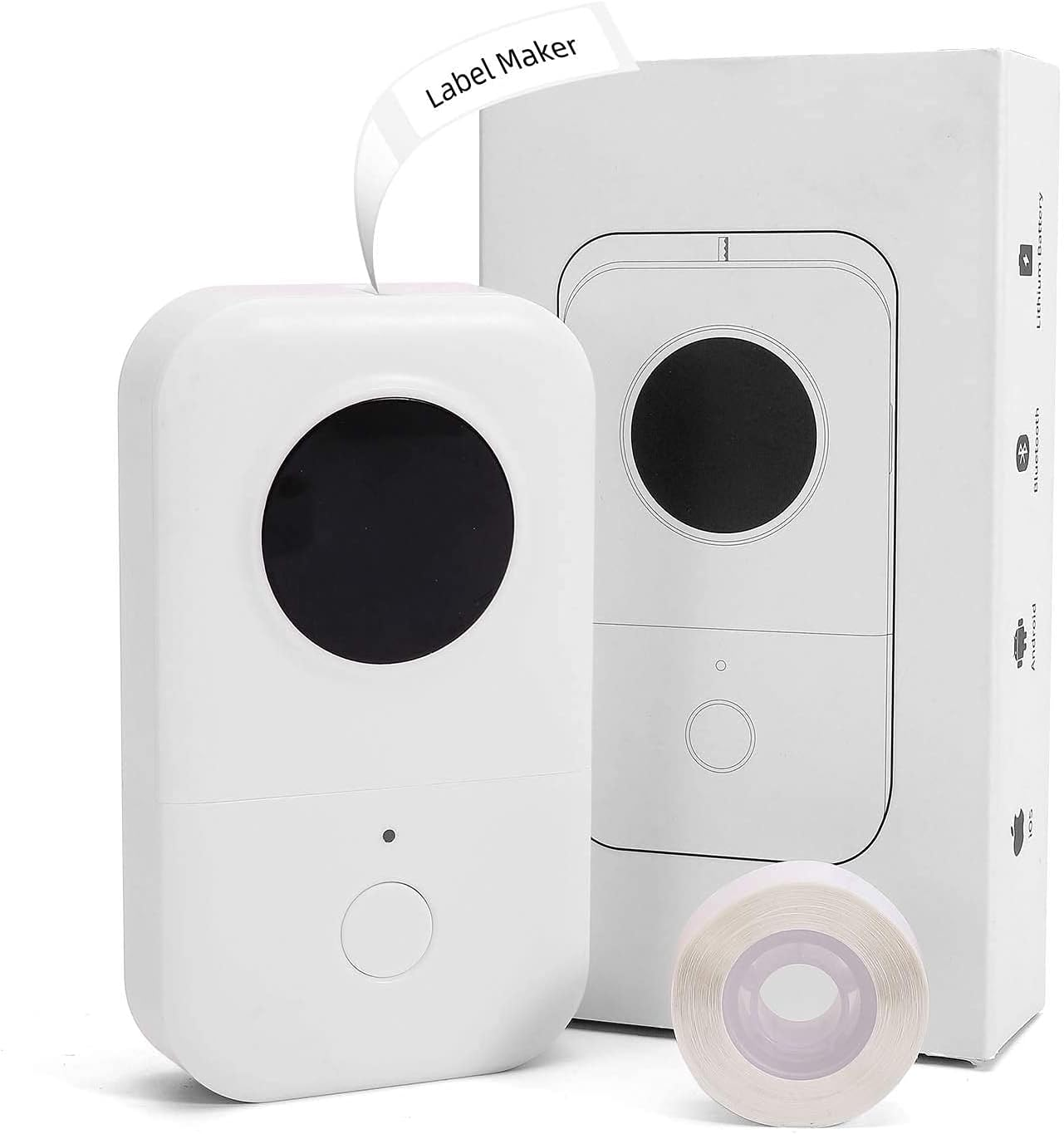
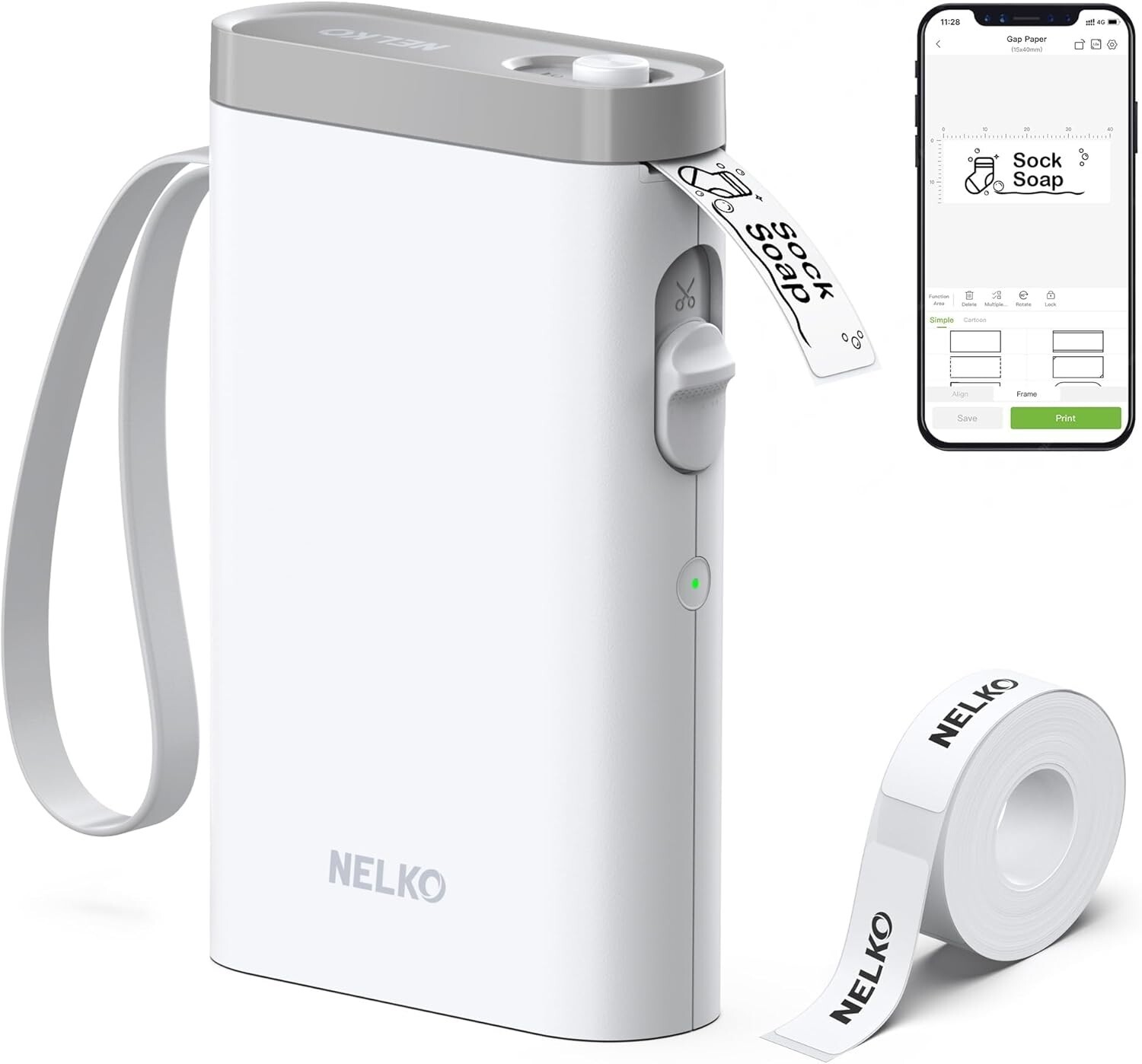
This label maker is a game-changer! Super easy to use with clear prints and manual cutting for precise labels. Love the dual power options—works great at home or on the go. The multi-copy feature saves tape and time, making organizing a breeze. Perfect for home, office, or crafting!