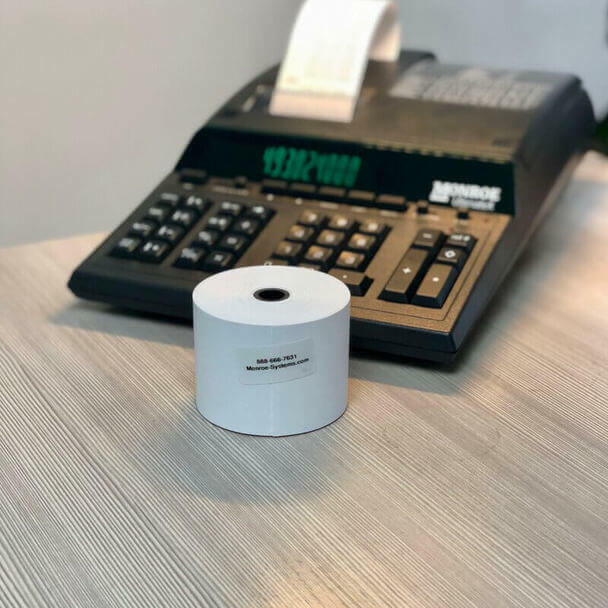


Monroe Calculator Premium 2.25 x 150-Foot 20 lb Single Ply Paper Rolls
$ 18.48
Description
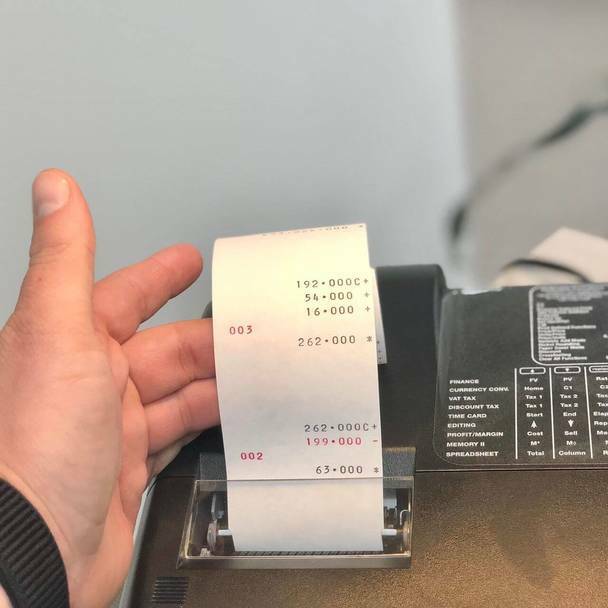
From the brand Revolutionizing the Financial Sector Since 1912 Our story How we got our start? As the inventor of the first commercial calculator in 1912, Monroe has earned the trust of Fortune 500 companies, non-profit organizations and government agencies, including the likes of NASA. Our products have landed on major television networks and hit series, including the show Madmen. What makes our product unique? Our calculators are known industry-wide as the top-of-the-line calculator on the market today. We have built our reputation on outstanding quality and service. When you need us, we are here for you. Why we love what we do? Despite being a 100+ year-old company, we treat it as a startup. Our products have withstood the test of time, but we are constantly looking for new ways to innovate. We focus on making the jobs and lives of our customers just a little bit easier and a little bit more enjoyable. Product Description T he Monroe Difference As the inventor of the commercial printing calculator in 1912, Monroe has earned the trust of Fortune 500 companies, non-profit organizations and government agencies, including the likes of NASA. Even Hollywood has recognized the strength of the Monroe brand as its products have landed on major television networks and hit series including the show Madmen. Monroe Systems for Business are forerunners in producing technology tools that empower businesses, schools, and individuals to succeed. Headquartered in Pennsylvania, Monroe has a continued commitment to creating durable and reliable products, along with providing superior customer support known as ‘The Monroe Spirit’. This premium add roll is compatible with printing calculators , adding machines , POS systems , and any other device that takes a 2 ¼" x 150' paper roll. This is a Monroe exclusive, it's the only 20 lb. 2 ¼" X 150' single-ply bond paper roll on the market. This paper provides the perfect surface for clear printing from your ink ribbons. These are the ideal paper length so you're not having to change the paper as frequently as you might with rolls at a fraction of the length. Exclusively made by Monroe Systems for Business , the inventor of the printing calculator in 1912. Those who know, choose Monroe. How to Install Monroe Paper Rolls into a Monroe Printing Calculator Step 1 Turn OFF the calculator. Slide the printer cover off of the device. Put pressure on the cover at the top of the device, pushing off the cover. Take note of the arms holding the paper roll in place. You’ll need to remove the paper roll core from the previous roll that you are replacing for a new paper roll. Step 2 Install the new paper roll.* Make sure that the paper sits so the paper is feeding up towards the sky and not down toward the ground. This will help keep the paper curling toward the back of the machine when you print. Step 3 Now it is time to feed the printer paper into the printer. Look for a slot along the top-rear of the printer. Then, feed the paper between the slot in the printer. Turn ON the calculator. Press the “FEED” button on the printer so the paper continues to be fed through the device properly. *Notes Depending on the model calculator you may need to have the calculator lid installed before feeding the paper through the printer. For the Monroe 6120X, 2020PlusX, and 122PDX lids must be installed before feeding the paper. For the Monroe 8130X, 8145X, and UltimateX the lid does not need to be installed until afterwards. For Best Results When Printing We recommend using the Monroe P65 , a universal ribbon, or the M33X ribbon cartridges that work across the entire Monroe X Series line of printing calculators.