


M220 Thermal Label Printer 3-Inch Home Office Shipping Barcode Maker Machine
$ 37.37
Description
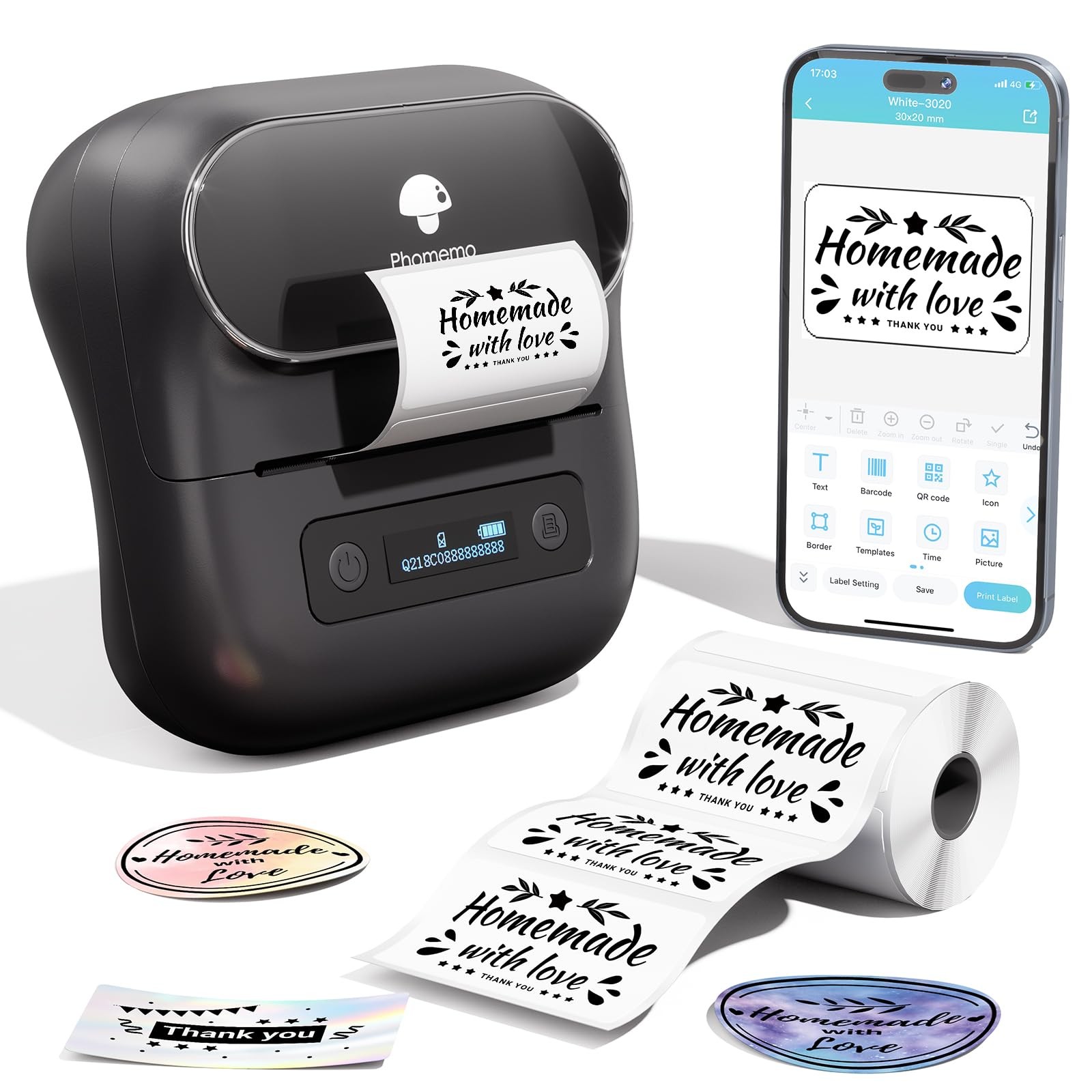
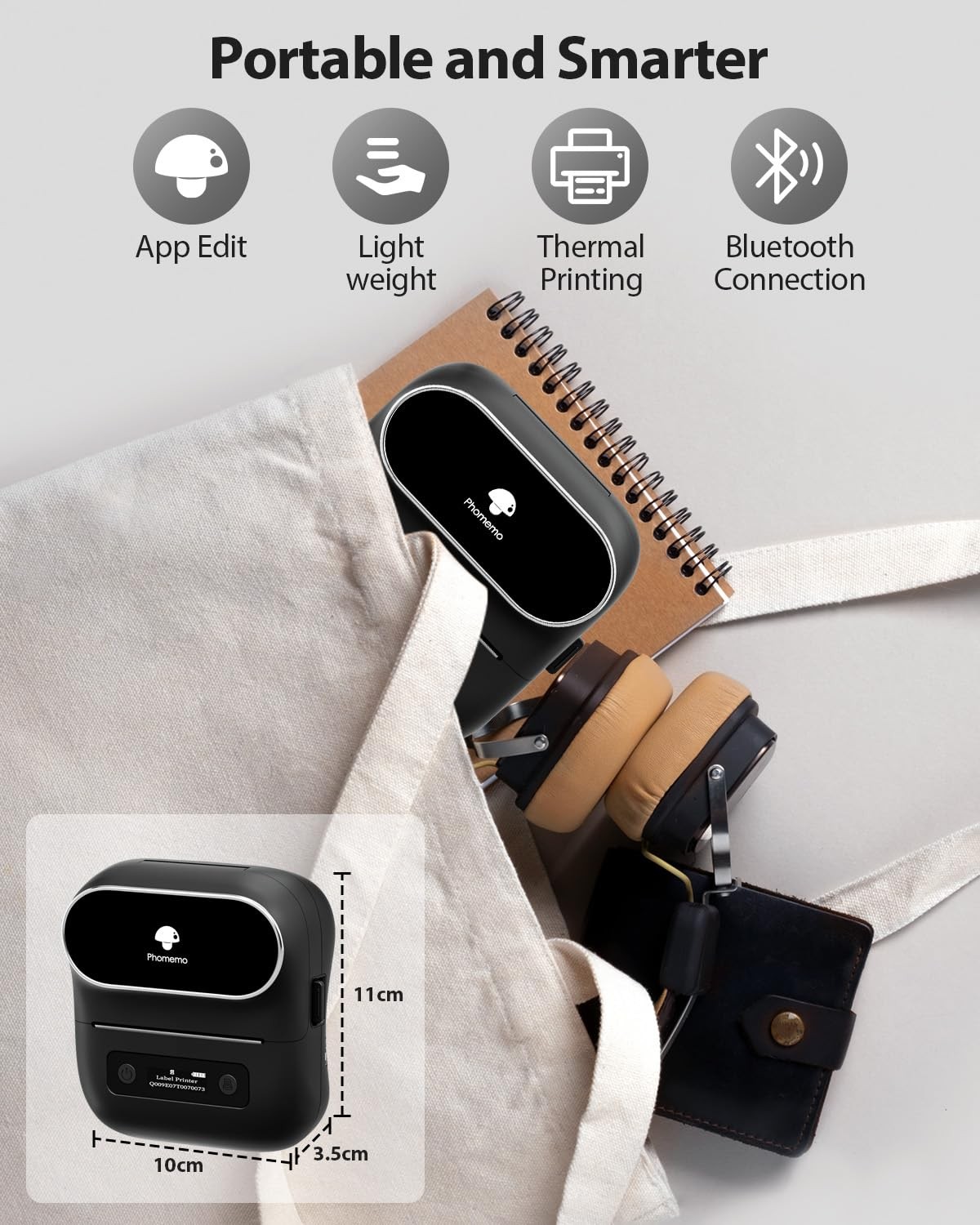
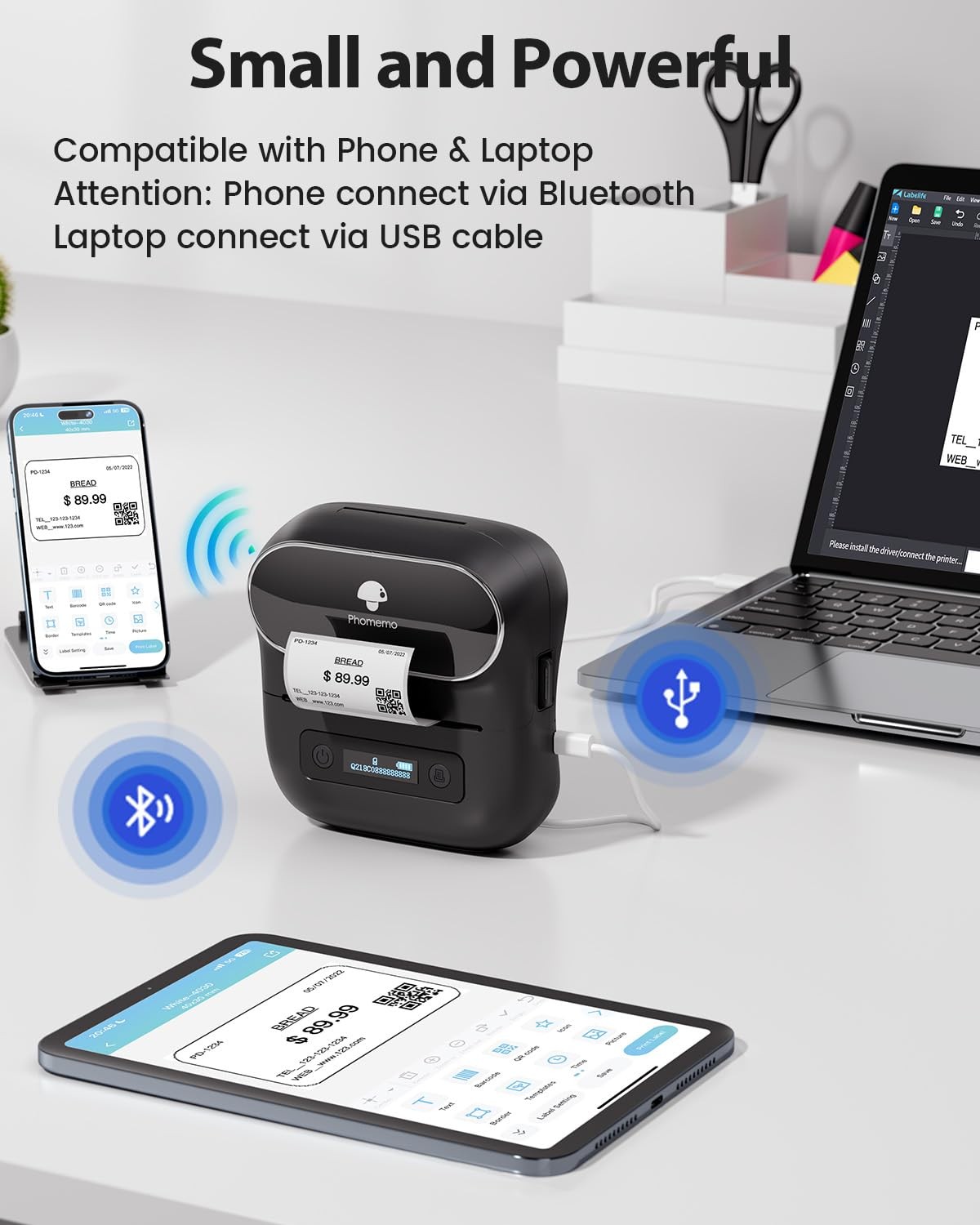
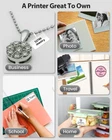
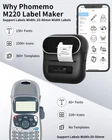
Portable Bluetooth Thermal Barcode Label Printer M220,A New Way Mobile Printing Method for Modern Life. printer M220 is a versatile, making labels, or codes label maker machine.The thermal printing is clear and concise and is great for home use and your small business. M220 barcode printer is quick and simple to generate labels with bar codes ,qr code, shipping packages, logo, address and more. Specification: 1 barcode label maker 1 sample label roll (100pcs) 1 User manual Battery Capacity:2200Mah Support Operating System : IOS, Android, Ipad OS, Mac OS, Windows 10 App: Phone and Ipad search "Print master" on Google Play or App Store, PC go to office website download "Labelife" drive is a professional portable Bluetooth label makers & printer manufacturer, fund in 2005. There are lots of popular label makers ,such as M110 label maker,M120 barcode printer,M200 label printer,D30 mini label maker machine and more. M220 label maker is 2022 flagship label makers & printer.Different from other small label maker machine only support 20-50mm width labels and more suitable for home use,m220 label maker support 20-80mm width labels,other words,when you own one m220 label printer, you also own support 20-50mm width labels bluetooth label sticker machine.M220 label maker machine with tape not only suitable for home use but also suitable for small business owner, support larger width labels means m220 label barcode printer also could print address,tag,barcode, qr code,sticker,logo,price tag and more. 2025 Upgrade Version :The label maker supports 0.75''- 3.14'' width-length thermal label tape, compared with the traditinal label makers, half weight of this label maker, smaller, smarter and comvenient for users to carry. Adopt advanced thermal technology, print without ink, toner and ribbons, providing superior clarity, easy operation, smoothing printing. Wireless bluetooth label maker can slip into your pocket, allow printing anytime, anywhere. Note: Not compatible with 4 x 6 shipping labels. HD Printing : M220 label maker equipped with 203dpi printing result high-speed chip and 2200mah large capacity rechargeable battery, you can enjoy high-definition and long time keeping print with the thermal bluetooth lable maker printer. This label maker is monochrome printout, which only prints black text, image. To create color label designs, use color-patterned label tapes Multiple Creative Function & Templates : The app "print master" for the label maker provides various features and templates, choose from 1000+ symbols, 60+frames and variety of fonts, easy to create various design label stickers from App with Text, QR code, Barcode, Logos, Images, Time and Borders, etc., plus, the app support excel imports, scanning , OCR, and voice recognition, Enjoy convenience, fun, effortless and save time with the label maker machine. Design and Create Your Own Labels : The label maker machine with tape is widely used in home, office, store and life. For home organizing, organizing your kitchen, clothes,food stroage, cosmetics items, and mailings. For Store, price tag, barcode, qr code, product name. For office, office organization includes notebook tags, reminder tags, and other office supplies,school supplies (name labels, study notes, office files), cable and personal item identification, and small business use (jewelry tags, and more); Labeler makers bring you fun and convenience Compact & Portable Design - The M220 thermal label maker printer, measuring 6.2 x 5.7 x 3.4 inches and weighing only 400g, capable of printing at least 36 rolls of labels continuously. Experience the efficiency and joy that this mini Bluetooth label printer brings to your labeling tasks Phone and Tablet Start Printing - Step 1: Download the App 'Print Master'. Step 2: Turn on the M220 label maker and your phone's or tablet's Bluetooth. Step 3: Click the 'Printer' icon in the App to search for the M220 portable label printer, connect it via Bluetooth in the App, select the label size, and edit the content to start printing Laptop/PC Starts Printing - Step 1: Please check your laptop/PC's operating system (OS) and download and install the correct M220 driver and the 'Labelife' app from the website. Step 2: Use the USB data cable to connect the M220 label maker to your computer. Step 3: Select the label size, edit the content, and choose M220 from the printer list
Although the measurements were in the photo, I just went off the description of a big joe grill expander not paying attention to the numbers in the photo. When I received it, it was smaller than I thought. Seller quickly sent me a return label and promptly refunded my money after they received the item back. Great customer service. I would certainly buy from them again!
A pleasure doing business with. Great communication,seller emailed to thank me for my purchase and explain how to handle any problems that may arise. Shipping was fast and packaged well. I am very happy with the dog bed and Brandi loves it. I highly recommend this seller.
Received item as listed. Excellent communication from seller. Kept me informed every step of the way. I was able to add on expedited shipping at no cost, so the item arrived very quickly! I would definitely purchase from this seller again. A+!! Thank you.
Related products
Vintage Radio Shack Label Maker
$ 5.81Vintage Orange Radio Shack Dymo MINI LABELMAKER 68-1020 Factory Sealed NOS
$ 3.7ROTEX Vintage 1970s Label Maker Tape Refills Lot Of 4 Red & Blue
$ 6.6Vintage ROTEX Label Maker 3/8" × 144" Refill Tape Glossy Black USA (3 pack)
$ 6.84