


M08E Wireless Inkless Thermal Printer for 8.5x11 US Letter Paper
$ 48.15
Description
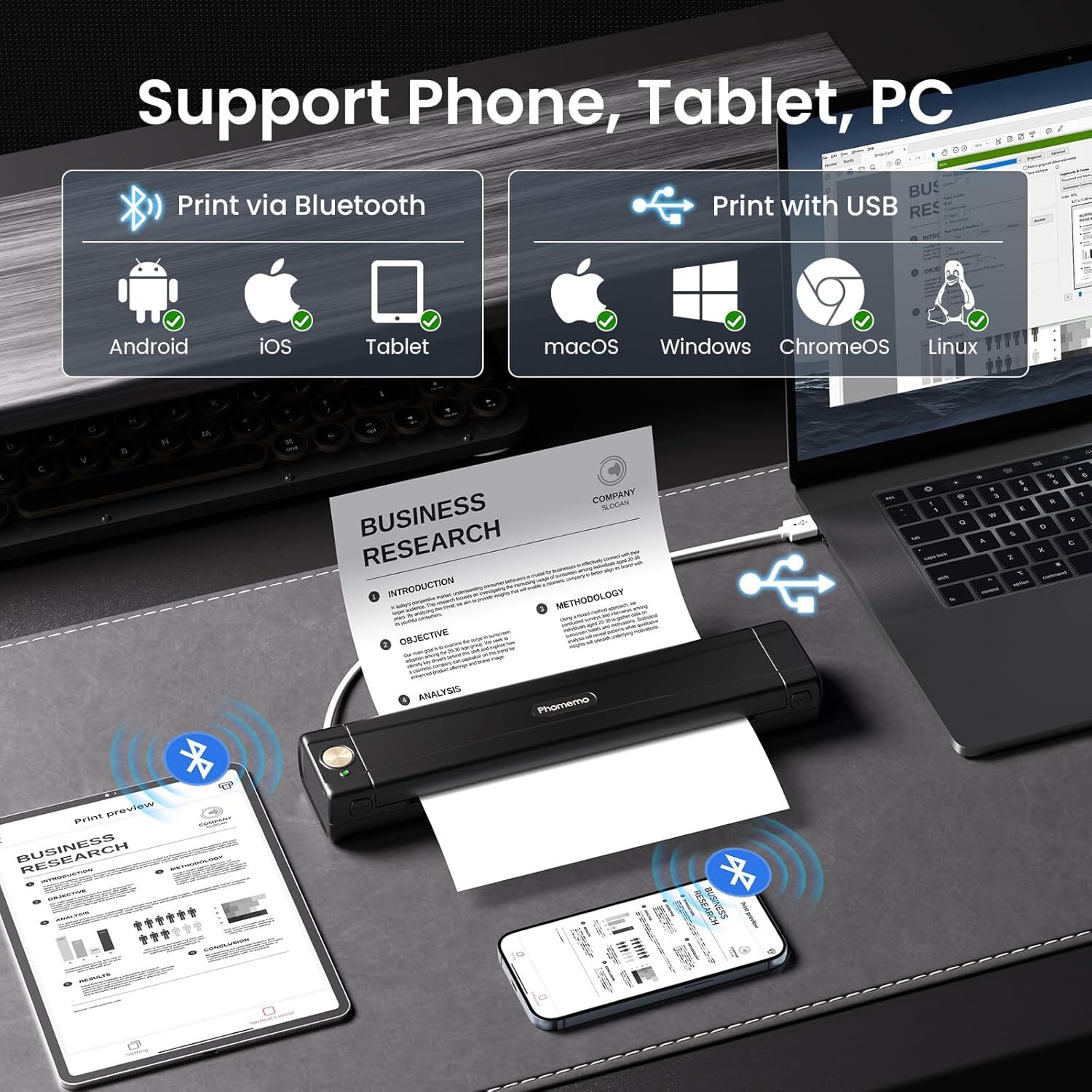
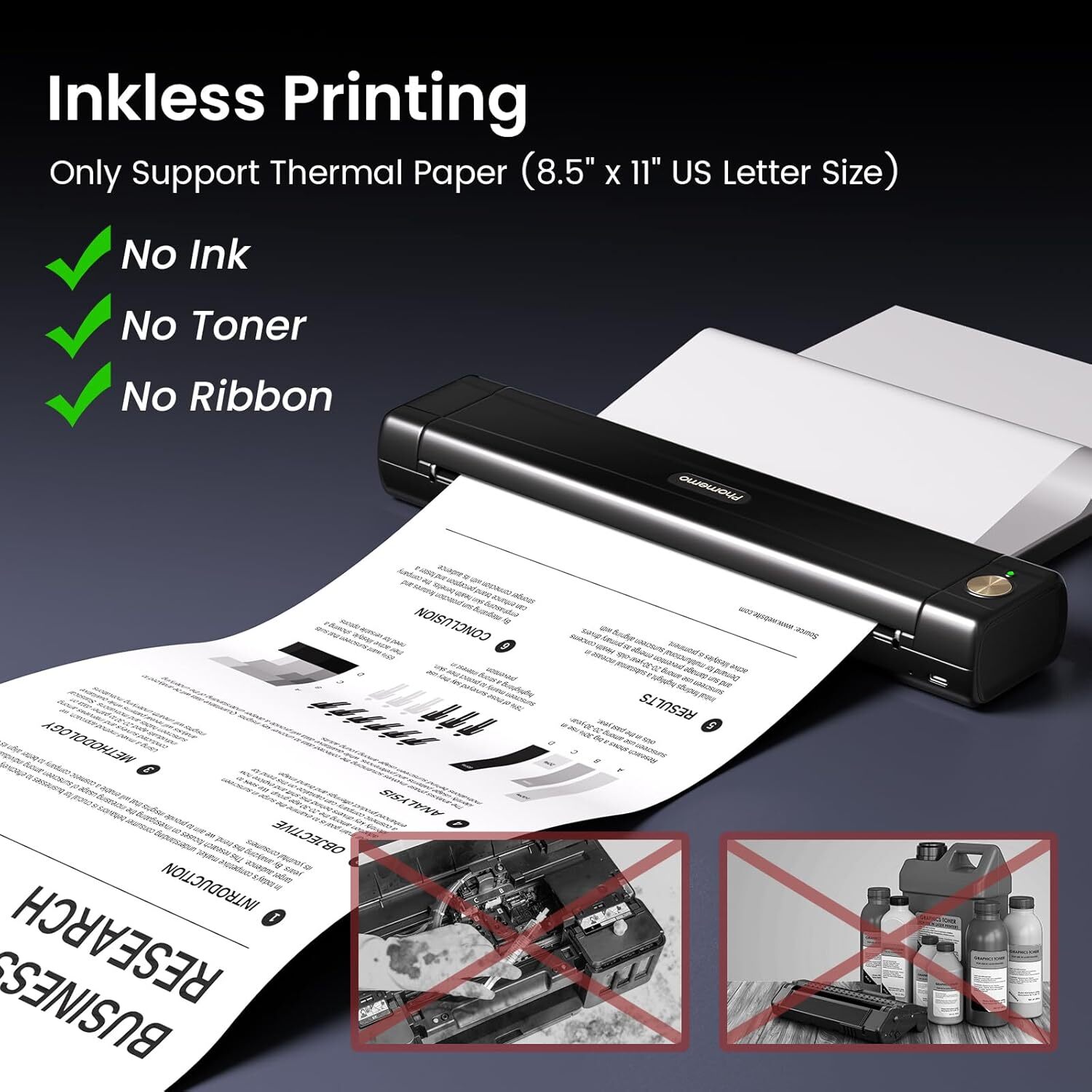
About this item Upgrade M08E Portable Printer: This wireless portable printer weighs only 1.5 lb, compact in size and easy to carry. The mobile Bluetooth printer is ideal for on-the-go printing during business trips, in a car, or at the office, university, and home. It is great for printing client documents, contracts, invoices, delivery orders, bills of lading, boarding passes, and lists. Inkless Thermal Printer: This small wireless printer uses advanced thermal technology, requiring no costly inks, toners, or ribbons. It avoids clogging and cleaning issues. Simply use thermal paper; regular copy paper is not supported. Wireless Bluetooth Printer: Download the dedicated app to print PDFs, Word documents, images, and web pages directly from your phone from anywhere. The portable thermal printer is compatible with iPhone, Android phones, and iPads via Bluetooth, allowing easy connection. It can also be connected to a laptop or computer via USB-C cable for printing. (Note: Driver installation is required for laptops.) Crisp Printing Quality & Long-lasting Battery: The M08E thermal printer delivers crystal-clear print clarity. Its built-in 1200mAh rechargeable battery supports continuous printing of 140 sheets of 8.5" x 11" thermal paper on a single charge. Mobile Printer: This wireless inkless printer is essential for businesspeople, truck drivers, mobile notaries, office workers, students, and teachers on the go. It also makes a great gift. (Supports black and white printing only.) How to Connect Phone or Tablet to Print: 1) Turn on the printer. 2) Download the designated app. 3) Enable Bluetooth on your phone or tablet. Open the app and select the printer icon to search for the device and connect. 4) Select the file type and start printing. How to Connect Laptop to Print: 1) Turn on the printer. 2) Download and install the appropriate driver for your computer system. 3) Connect the printer to your laptop with a USB-C cable. 4) Open the document and select the printer to print. How to Install Thermal Paper and Clean the Print Head: Use thermal paper with the printing side facing down. Clean the cutting section of the printer with alcohol wipes, especially where black lines appear, to ensure no adhesive residue or foreign objects remain on the print head. Product dimensions: 2.36 x 11.42 x 1.18 inches On May 29, 2025 at 00:44:16 PDT, seller added the following information:
These beautiful foil certificate covers are perfect for upscaling our event! They arrived carefully packaged, cellophane-wrapped, in mint condition. Most certificate covers start at $3.00 each, which we could not afford. These were a much better price! And the shipping was super fast!
The item arrived quickly and was exactly as described. Packaging was secure and professional. I wouldn't hesitate to buy from this seller again. Five stars all around!"
Seller was very helpful. There was a problem with the shipping and they took care of it right away. Highly recommend this seller thank you very much.
Related products
Phomemo P12 Label Maker Plastic Labeling Tape Refills Thermal Transfer Label
$ 4.17HP Color LaserJet Pro MFP M477FDN All-In-One Laser Printer FULLY FUNCTIONAL!!!
$ 242.36Authentic Supreme Accessories Mini Printer
$ 79.2HP OfficeJet Pro 8210 Wireless Inkjet Printer Tested Great Condition
$ 52.28