



Bluetooth Thermal Label Printer M220 for Barcodes & Address Labels
$ 63.6
Description
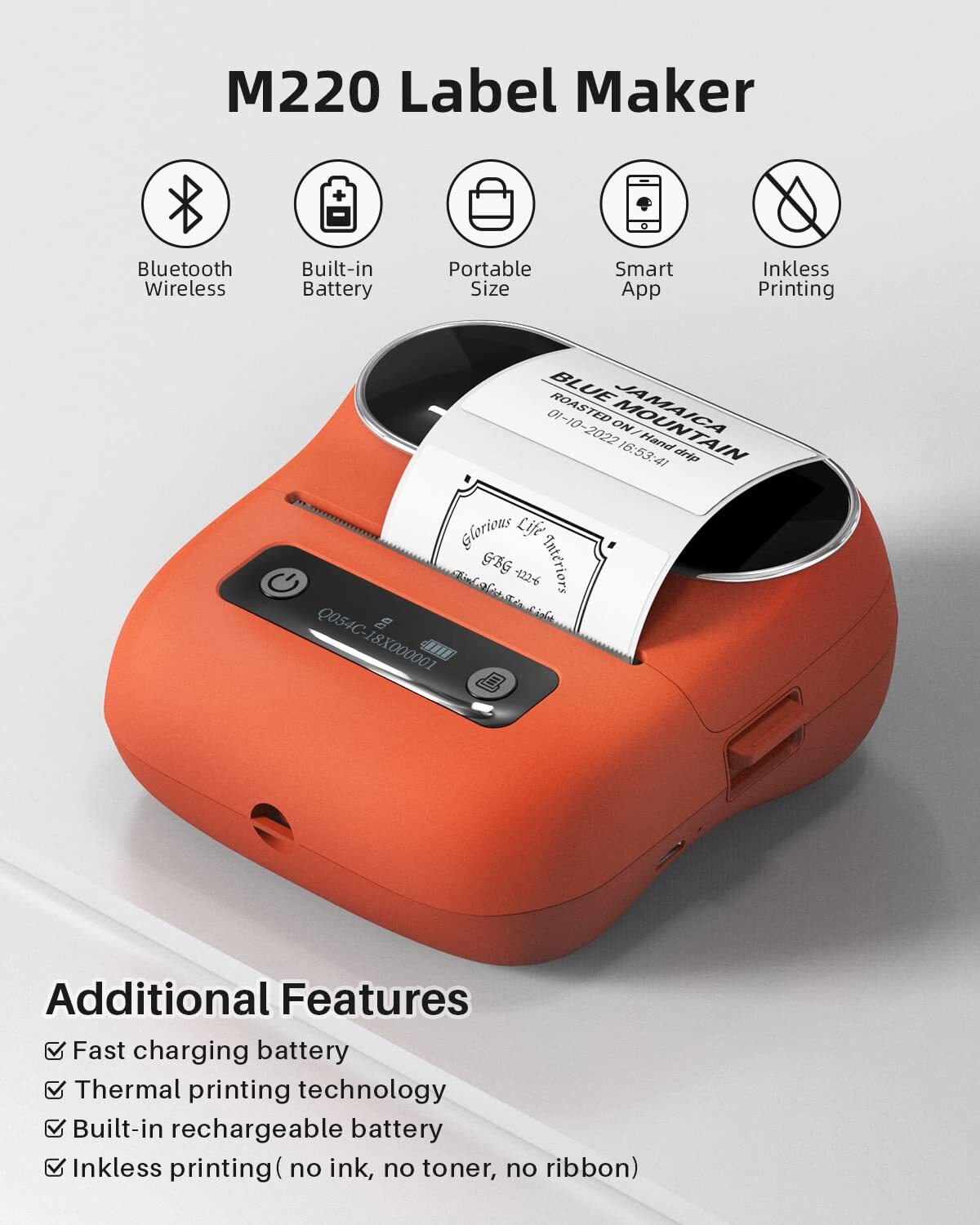
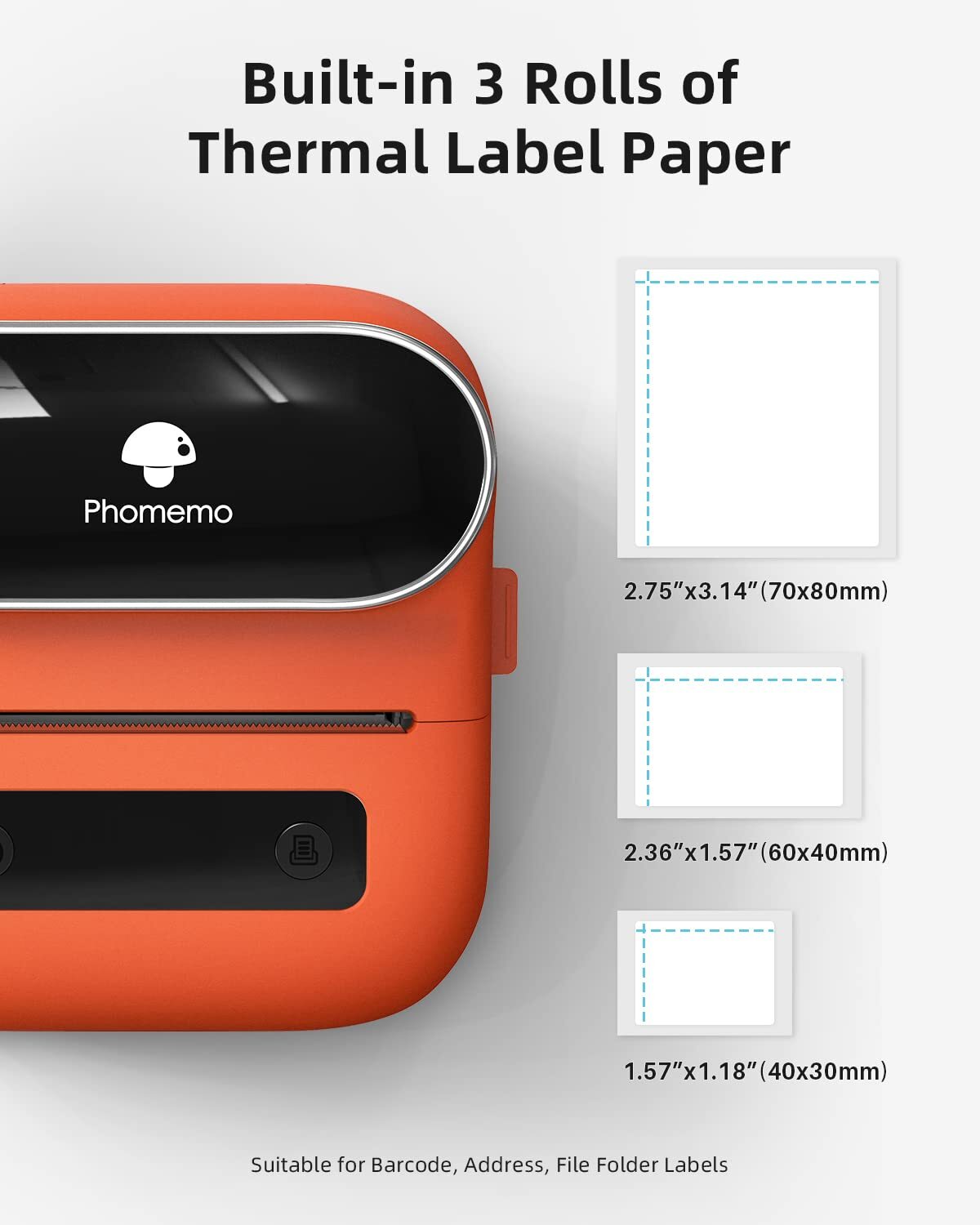
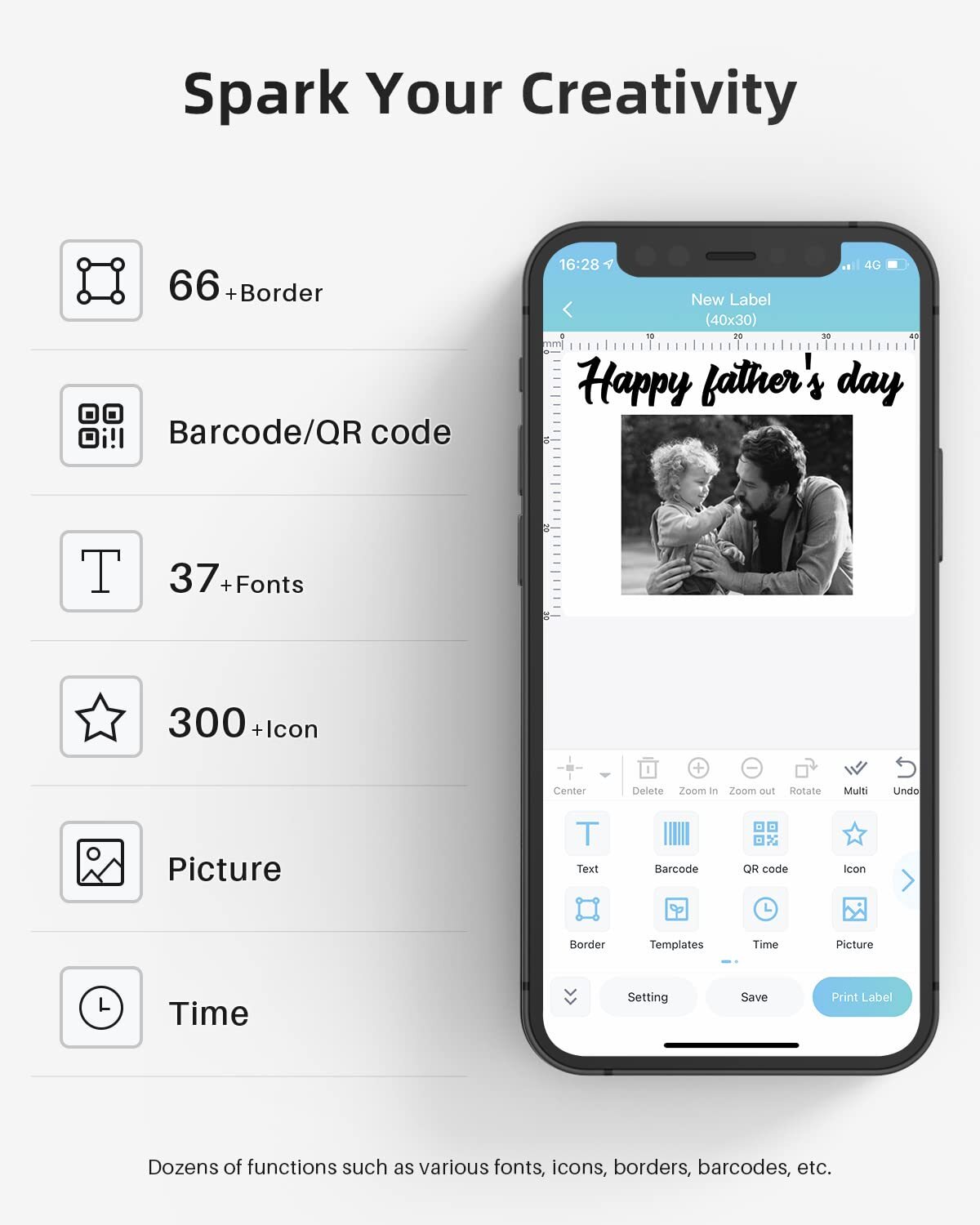
Thermal Label Maker - Never need the ink, toner, and ribbon again. This barcode label printer prints using thermal technology, meaning you only need to restock on labels, the thermal label maker come with 3 Rolls Labels(1 Roll 40x30mm label, 1 Roll 60x40mm label, 1 Roll 70x80mm label)(Attention: The label maker only support print 0.78''- 3.14'' width labels, can't print 4 x 6 shipping labels) All-singing, All-dancing APP - 's R&D team create the Print Master APP for you, with a variety of built-in functions. One-click use: text, pictures, barcodes, QR codes, OCR, Form, hundreds of icons, and many pre-made templates for commercial and home use. Improve your efficiency High Compatibility - Not only M220 label maker machine supports IOS, and Android mobile by bluetooth connection, but also supports USB connection for MAC and Windows 10. (WARNING: For your better experience, please be sure to watch the software installation tutorial on the page) Long Battery Life - M220 Label Printer Upgrade 2200 mAh battery provides up to 36 rolls of continuous printing, newly added auto-sleep mode, which can reduce power consumption by 25% and extend the use time by 2-3 hours. Widespread Use - M220 3.14 Inch Bluetooth label printer has an extensive variety of uses and creative possibilities. and Enjoy Labeling Anything Anywhere like Small businesses: clothing, crafts, retail, jewelry, eBay, etc. Labeling address, barcode, shipping, price, date, ingredients, logos labels for product. Save you a lot of time for handwriting labels, allowing you to focus more on your small businesses and Tablet Start Printing - Step 1: Download the App 'Print Master'. Step 2: Turn on the M220 label maker and your 's or tablet's Bluetooth. Step 3: Click the 'Printer' icon in the App to search for the M220 portable label printer, connect it via Bluetooth in the App, select the label size, and edit the content to start printing Laptop/PC Starts Printing - Step 1: Please check your laptop/PC's operating system (OS) and download and install the correct M220 driver and the 'Labelife' app from the . Step 2: Use the USB data cable to connect the M220 label maker to your computer. Step 3: Select the label size, edit the content, and choose M220 from the printer list
"I recently had a delightful experience with a shipping company that truly exceeded my expectations. From the moment I placed my order, the process was smooth and efficient. The customer service team was friendly and responsive, addressing all my queries promptly. What stood out the most was the speed and reliability of their delivery service. My package arrived earlier than expected and in perfect condition, thanks to their careful handling. It's refreshing to see such dedication .
The product I received was not the one pictured. I'm only leaving positive feedback because I got a full refund. I came to Ebay because I tried buying this wheel twice on Amazon and got a product that was not pictured. And lo and behold, the returned address on the shipping label from this seller was to Amazon. Also, this listing was $10 more expensive than Amazon. What a racket.
Very satisfied with quality of product. Received screen holders in good condition, sealed package: the price was more than satisfactory, which included free shipment. I am confident the product will provide a secure fit to a screen door. Received the product much sooner than expected. Thank you for such great service.
Related products
Phomemo P12 Label Maker Plastic Labeling Tape Refills Thermal Transfer Label
$ 4.17HP Color LaserJet Pro MFP M477FDN All-In-One Laser Printer FULLY FUNCTIONAL!!!
$ 242.36Authentic Supreme Accessories Mini Printer
$ 79.2HP OfficeJet Pro 8210 Wireless Inkjet Printer Tested Great Condition
$ 52.28