
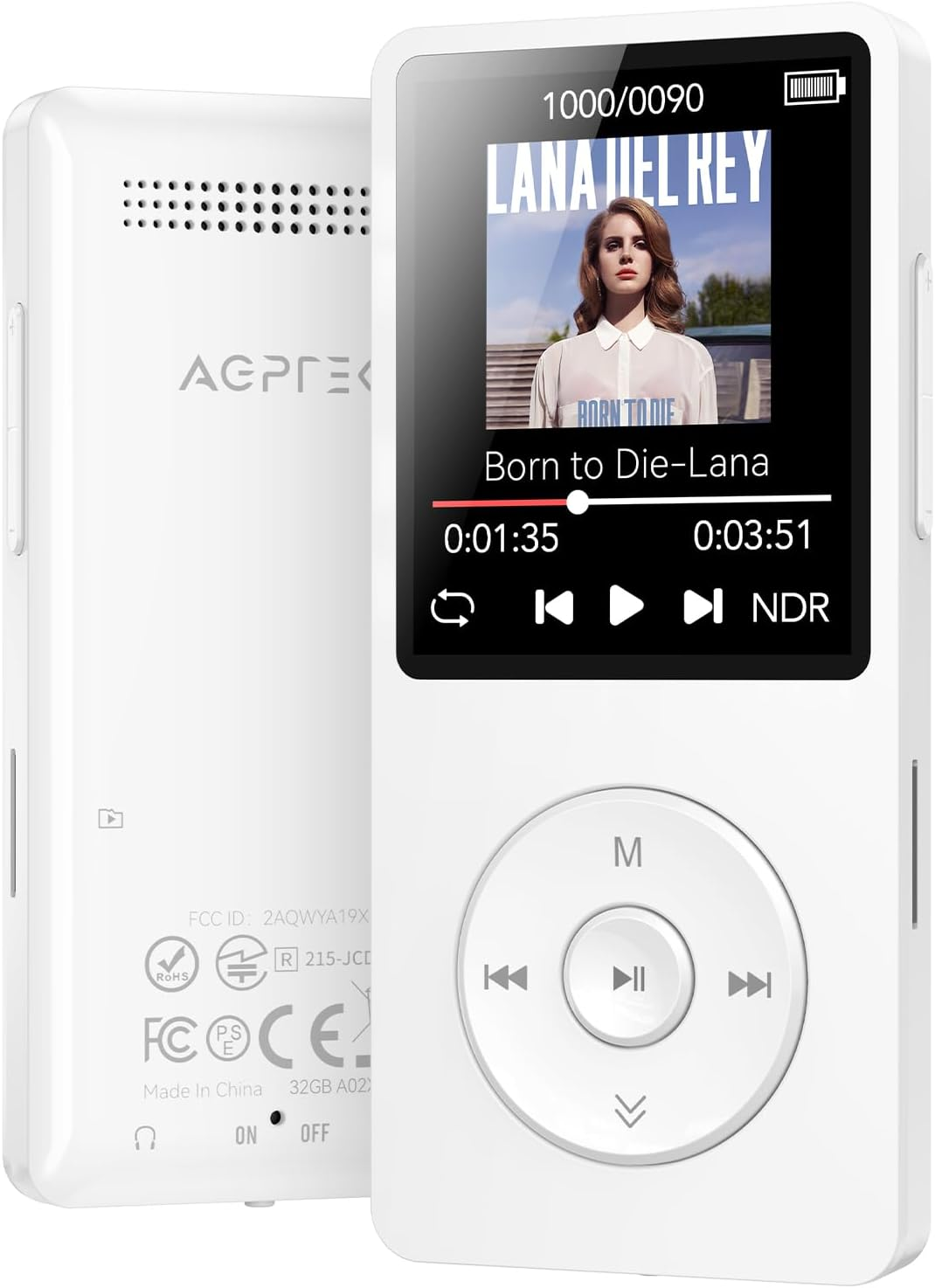




AGPTEK A02 MP3 Player with Bluetooth 5.3, 1.8 Inch Screen Portable Music Player
$ 23.66
Description
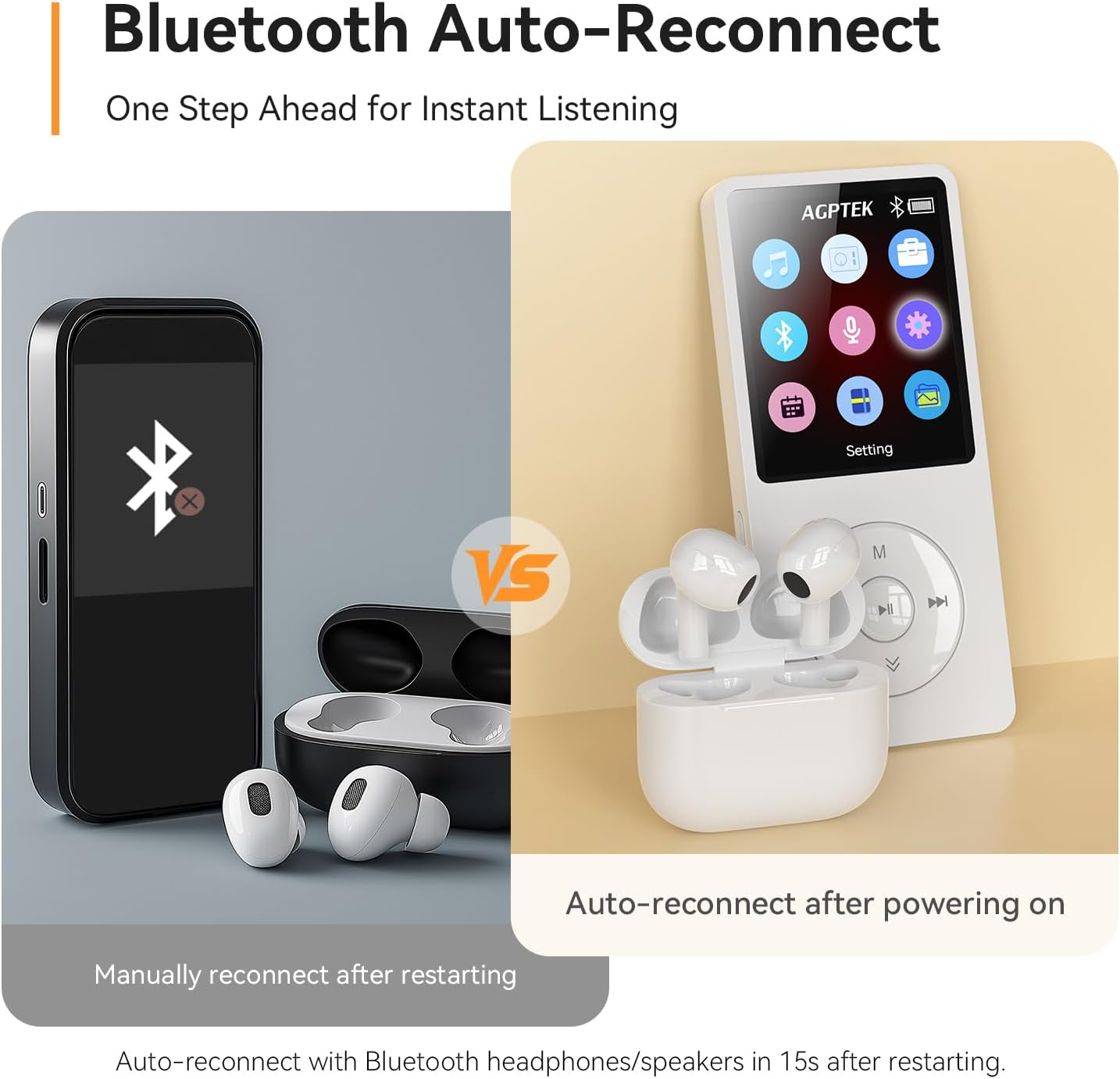
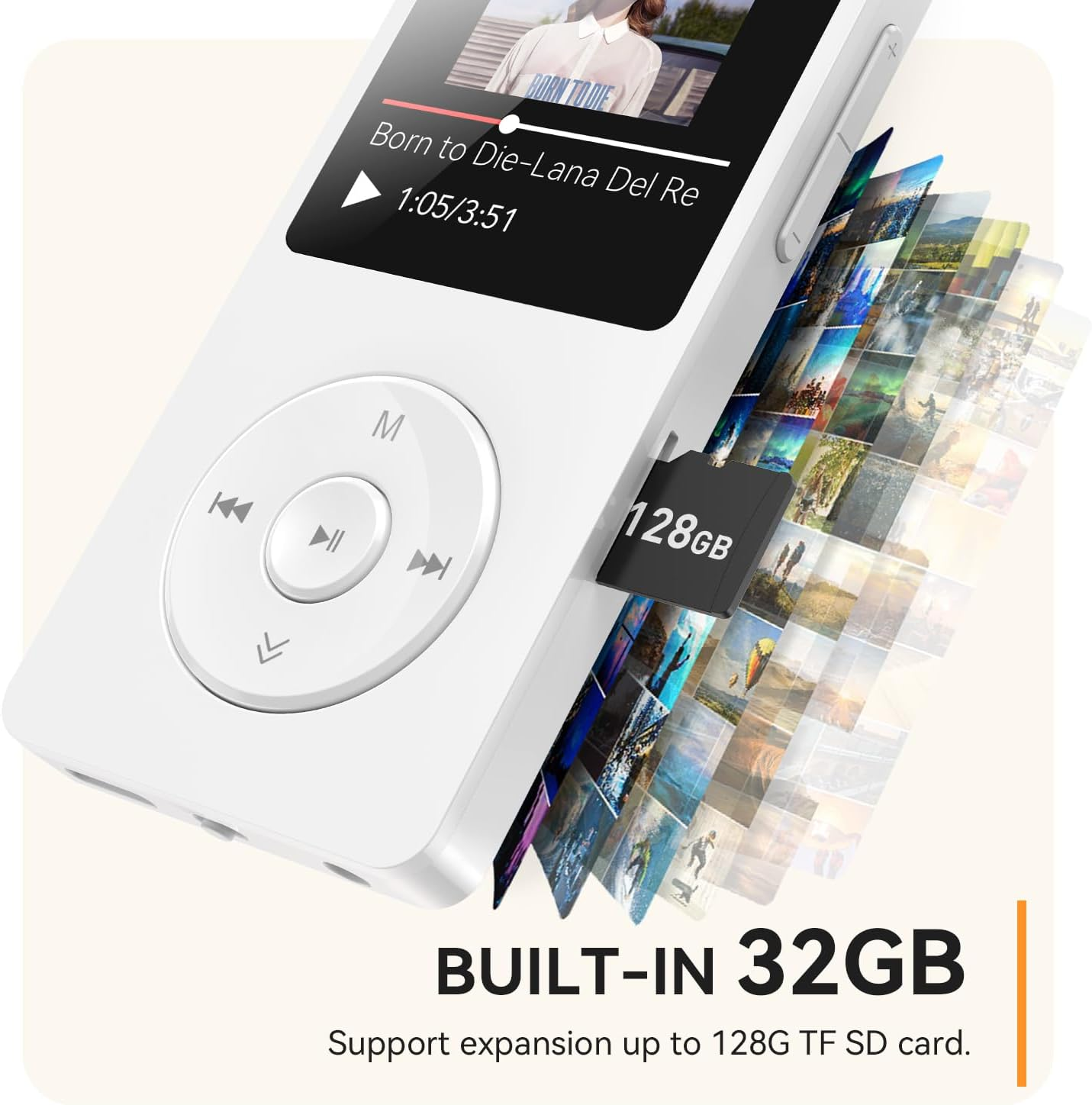
【Bluetooth 5.3 Technology 】 AGPTEK MP3 player adopts upgraded Bluetooth 5.3 has better compatibility, stable signal and reduces the power consumption of the music player. You can pair the Bluetooth MP3 Player with your Bluetooth headphones or Bluetooth speakers.[Unable to connect to phone and tablet.][Cannot connect directly to car Bluetooth, Works perfectly with Car via AUX port.] 【Independent volume button and back button】Simplified operation, one button corresponds to one function. Also great audio player for kids and elderly. Download is easy, Just drag and drop the music file or folder directly when connecting to computer. [You can also watch the video we uploaded to learn more detailed steps.] 【32GB Built-in Memory & Long playback time】 Built in 32GB memory capacity, up to 3000 musics can be stored, supports up to 128GB Memory Card(not include)! Built-in Lithium polymer 320mAh battery. Up to 40 hours playback, fully charged within 2hours by Type-C charging cable. 【1.8 inch Screen & Portable】1.8-inch screen for easy reading, Palm size and light weight, easy to put into your wallet, pocket, or armband . Easy to carry, especially when you take exercise, running, jogging, traveling and hiking.Perfect companion for your sports. 【Lossless sound quality】Support formats:MP3, WMA, OGG,WAV, APE, FLAC, AAC-LC, ACELP. Built-in speaker, Brings you amazing listening experience.【Note It does not directly support Audiobook and iTunes.】【Support for macOS 10.6 Snow Leopard and above (including the latest macOS 14 Sonoma)】 Product description -To save power, the player will automatically power off after 3 minutes of inactivity. You can turn it off in the settings. -When you put the micro sd card into the card slot of the mp3 and keep push it inward, until there is a light ticktock; When remove, please push inward and then pop out. Good Sound Quality It adopts professional intelligent digital noise reduction chip.Ensuring high sound sampling rate and providing. Enjoy Music in Car Bluetooth is not compatible with the car. Enjoy your favorites songs in your car by connecting the AUX cable to audio port.AUX cable not included OTG Function Quick data transfer, just connect it to the phone, super easy to transfer files. Voice Recording Support Manual/Auto tune,FM recording. Comes with FM voice record function. Recording the voice clearly as you wish. Introducing More New Features Troubleshooting Guide of AGPTEK A02XT Q: How to download music? Please download the music to your computer, then connect the player with your computer via the usb cable, drag the music files to the player, (it is similar to transfer muisc files from your computer to your phone). Q: What to do if I can't connect to my computer to download music? 1. Please use the original USB cable and connect the MP3 Player tightly to your computer [avoid loosening] . Note: Other cables may only support charging and won't allow data transfer. 2. Please select "File Transfer" mode when prompted on your device. If not selected, your device will enter the charging state and won't appear on the computer. 3. Please try to reset: Slide the power switch (bottom) from OFF to ON. Press and hold the play/pause button for 10 seconds to try step 1-2 again. 4. Still not working? Please test different USB ports (preferably USB 2.0) and another data cable to check if the original is faulty. [if do, please con tact us through the Amazon platform for replacement.] 5. For Mac computer, It supports for macOS 10.6 Snow Leopard and above (including the latest macOS 14 Sonoma) Q: What to do if I can't connect to my device via Bluetooth? 1. Please note that it does not support Bluetooth connection to mobile phones, tablets, laptops, or cars (a 3.5mm audio cable is recommended for car audio); Only Bluetooth headphones and speakers are supported. 2. Please turn on the MP3 Bluetooth function first and then turn on the Bluetooth headphones or speakers to search for pairing. 3. Please check if your Bluetooth headphones or speakers are in pairing mode. If yes, please disconnect and turn off other Bluetooth devices first to avoid interference, then use MP3 to connect. 4. Please check whether the MP3 has been connected to more than one device before. If yes, please delete all of them and then reconnect them. 5. Please check if the Bluetooth version of the Bluetooth headphones or speakers is 2.1 or above. 6. If you still can't find your Bluetooth device, it may be due to incompatibility. You can inform us of your Bluetooth device through Amazon. Q: What to do if the Bluetooth frequently disconnects? 1. Please make sure that the direct distance between the MP3 player and the Bluetooth device is within 8-10m, or the back is within 4-5m away from the obstacles, or it will lead to disconnection. 2. Please check the environment where the MP3 player is used, if near other 2.4G signal sources or obstacles, such as indoor through the wall, signal base station, router, high speed rail, subway, etc., it will be interfered by the signal and lead to disconnection, you can try it in the open place. AGPTEK MP3 Player Add to Cart Add to Cart Add to Cart Add to Cart Add to Cart Add to Cart Add to Cart Customer Reviews 3.8 out of 5 stars 5,925 3.6 out of 5 stars 55 3.9 out of 5 stars 65 4.0 out of 5 stars 240 4.2 out of 5 stars 1,849 4.0 out of 5 stars 7,171 3.9 out of 5 stars 2,386 Price $29.99 $ 29 . 99 $49.99 $ 49 . 99 $69.99 $ 69 . 99 $50.99 $ 50 . 99 $30.99 $ 30 . 99 $39.99 $ 39 . 99 $38.99 $ 38 . 99 Internal Memory 32GB 80GB 128GB 96GB 64GB 64GB 64GB Support TF Card 128GB 512GB 1TB 1TB 128GB 128GB 128GB Screen Size 1.8 inch 4 inch 5 inch 4 inch 2.4 inch 2.4 inch 1.5 inch Features Classic Kid-friendly Long Battery Life Android 14 Bluetooth Curved Screen Portable Bluetooth ✔ ✔ ✔ ✔ ✔ ✔ ✔
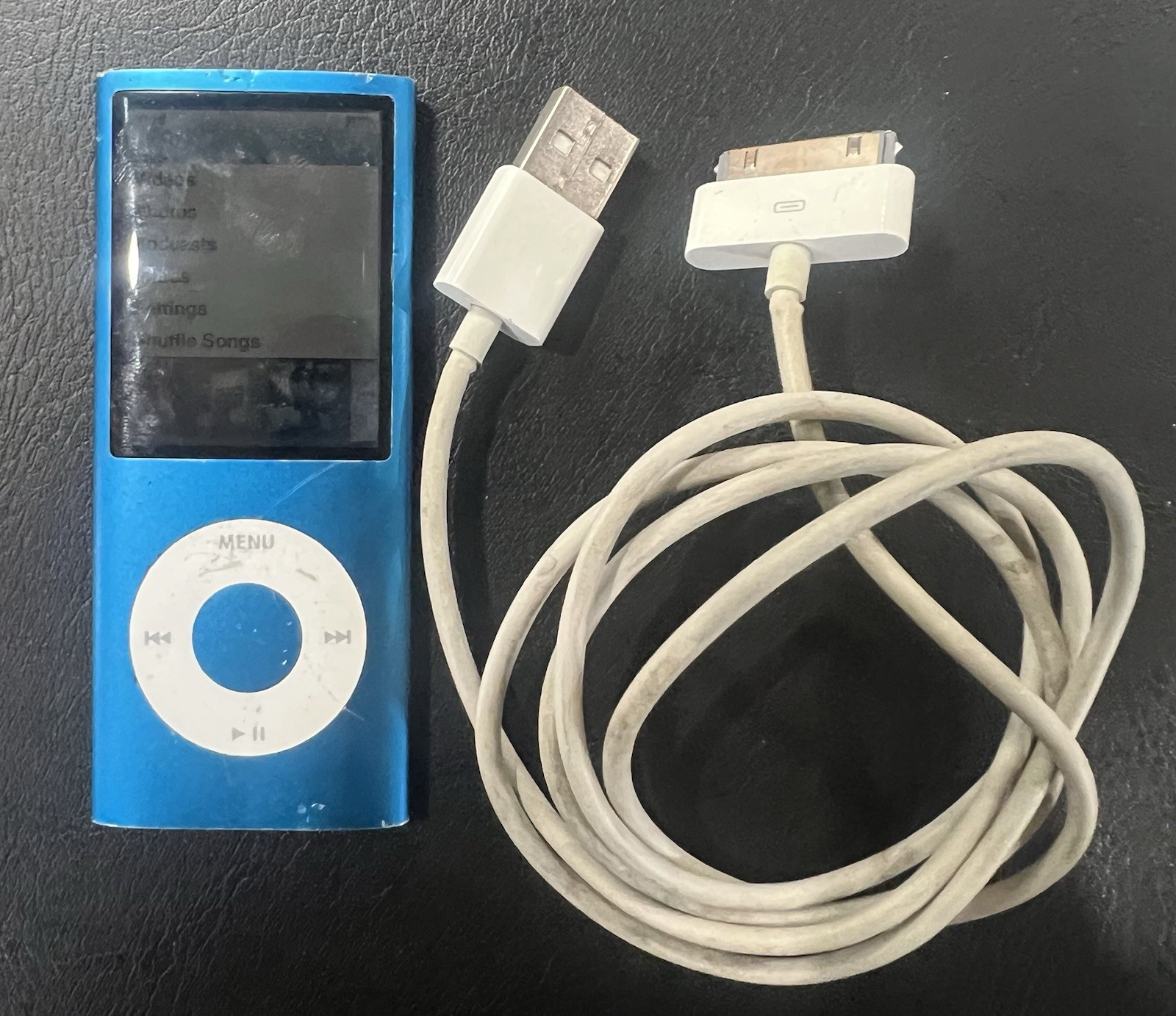


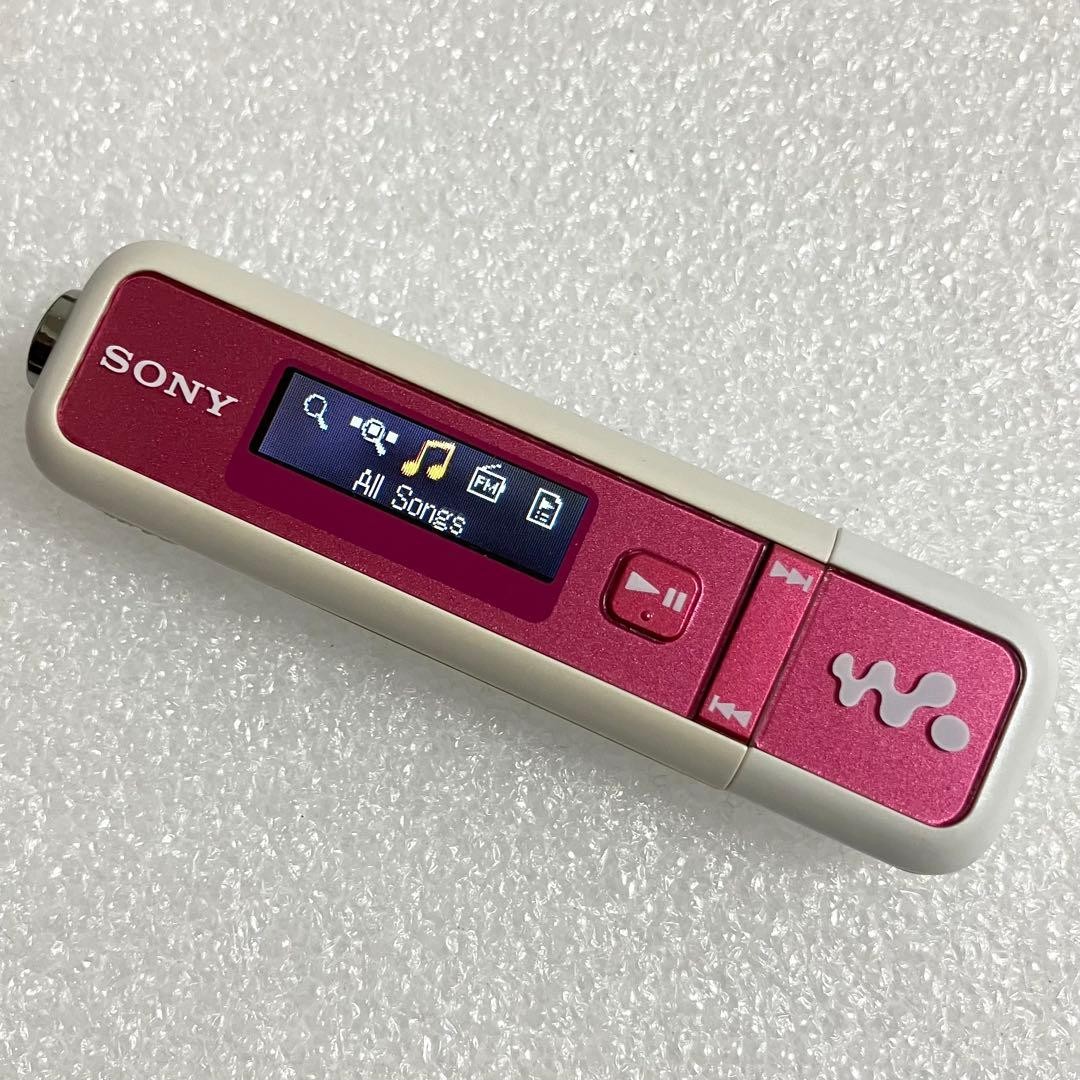
Exceptional delivery speed, the item arrived less than 24 hours after I made the purchase, I was flabbergasted. In perfect condition, fully charged. I was hesitant to buy it because i wasn't sure if it played .m4a files, but they work perfectly. Have encountered no issues so far.